
Add an extension
A user requests an extension or an administrator adds one to Allow.
Automatically vet and continuously monitor Visual Studio Code extensions. Enforce your allowlist through the endpoint management tools you already use.
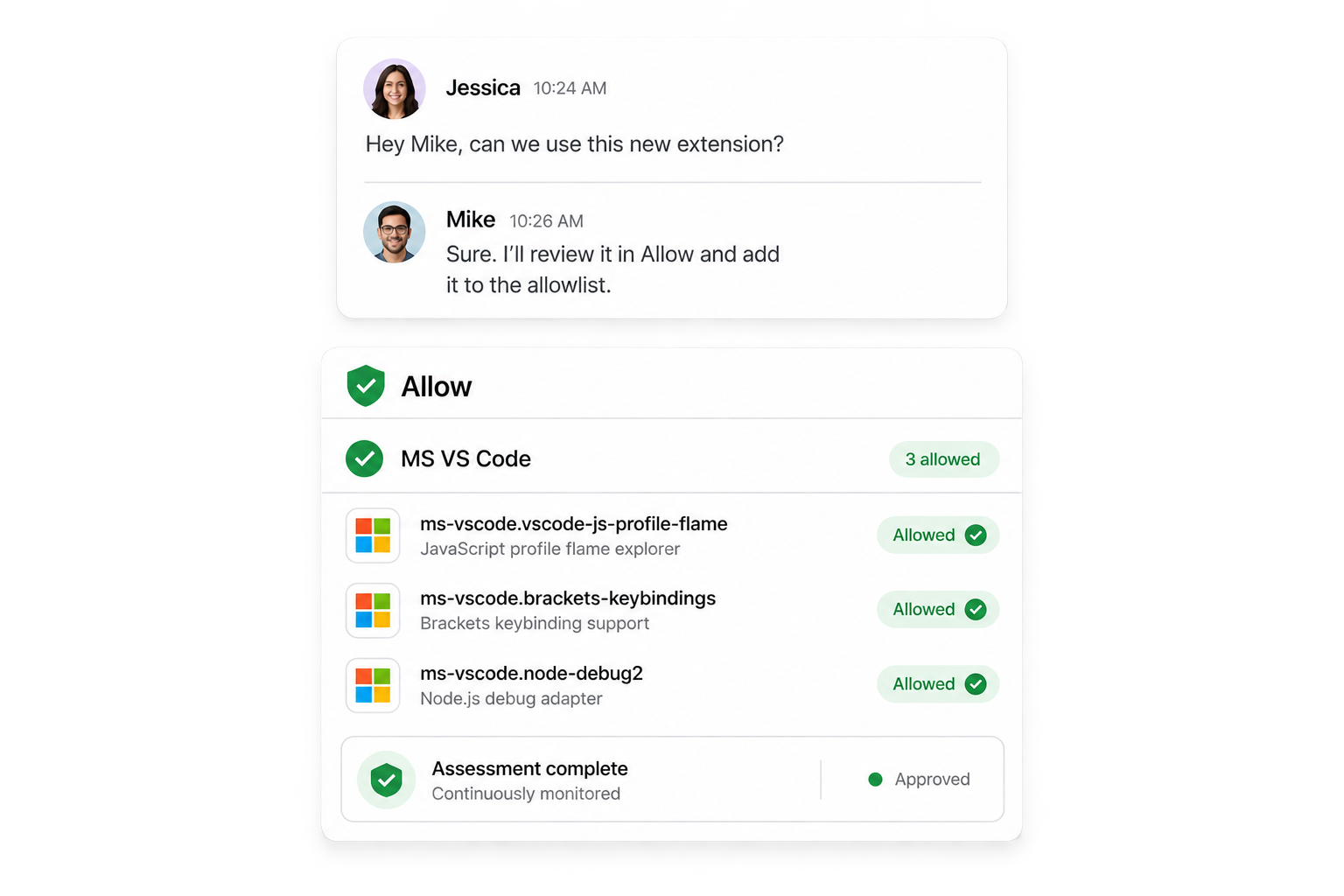
Keep requests, automated assessment, and enforcement in one workflow.
A user requests an extension or an administrator adds one to Allow.
The automated pipeline analyzes the extension and produces a customer-facing result.
Only extensions with an Allowed result enter the selected allowlist feed.
Apply that feed through your existing Intune or macOS MDM workflow.
 Visual Studio CodeExtension platformSupported
 Microsoft IntuneEndpoint enforcementSupported
 JamfEndpoint enforcementSupported
 Allowlist feedsMachine-readable policySupported
One plan. The full platform. No feature gates, seat calculations, or negotiation required.
No complex licensing tiers.Everyone gets the complete Allow workflow.
Endpoint management tools can control which extensions are installed. They do not tell you which extensions should be trusted.
Ratings, download counts, popularity, and publisher reputation are not substitutes for a security assessment.
Extensions change. New versions appear, behavior shifts, and fresh risks can emerge after the original approval.
MDM can enforce a policy. Allow helps your team determine what should be in it.
A decision workspace for security teams, backed by continuous, multi-layered assessment.
Allow applies deeper validation where it adds value, without turning the assessment into a black box.
Everything you need to evaluate Allow with confidence.
Read the documentation Browse all guides →Allow is a Visual Studio Code extension security and allowlist management platform. It automatically vets extensions, publishes allowed versions, and monitors them as they change.
Extensions can access sensitive code, browsing data, credentials, and business systems. Store ratings and popularity are useful signals, but they are not a security assessment.
Endpoint management platforms are excellent at enforcing policy. They do not determine which extensions belong in that policy. Allow provides the assessment and decision workflow, then connects the approved list to your existing tooling.
No. Allow works alongside tools such as Intune or Jamf. Your existing platform remains the enforcement layer, and no new endpoint agent is required.
Allow combines deterministic security checks, static analysis, behavioral analysis, runtime inspection where needed, and version-aware comparison. Customer-facing results are Allowed, Queued, Vetting, Blocked, or Cannot vet. No security product can guarantee detection of every malicious behavior.
Allow continuously monitors approved extensions and compares new versions with previously trusted releases, making meaningful changes easier to identify and review.
Allow is designed to surface security-relevant behavioral changes in new versions. As with every security control, it cannot guarantee detection of every malicious update.
Yes. Allow provides a structured request and review workflow so teams can ask for the tools they need without bypassing security.
Yes. Publisher-wide scanning is available as a workflow convenience, but trust is never inherited: every extension is assessed and decided on individually.
No. Allow connects with the endpoint management platform you already use.
Yes. Expand an extension to inspect the available identity, static, runtime, and judge evidence behind its automated result.
Allow reduces risk and improves decision quality, but no security system offers perfect detection. It should be used as part of a layered security program with appropriate endpoint controls and incident response.
Allow costs €200 per allowlist, per month. There are no feature tiers or per-seat calculations.
Yes. Every workspace starts with a 30-day free trial of the full Allow platform.
If you do not subscribe, your workspace becomes read-only. Your assessment history and decisions remain available to review.
Give teams a clear request path and enforce only versions that Allow has vetted.
Start your free trial →30 days free · No new endpoint agent